
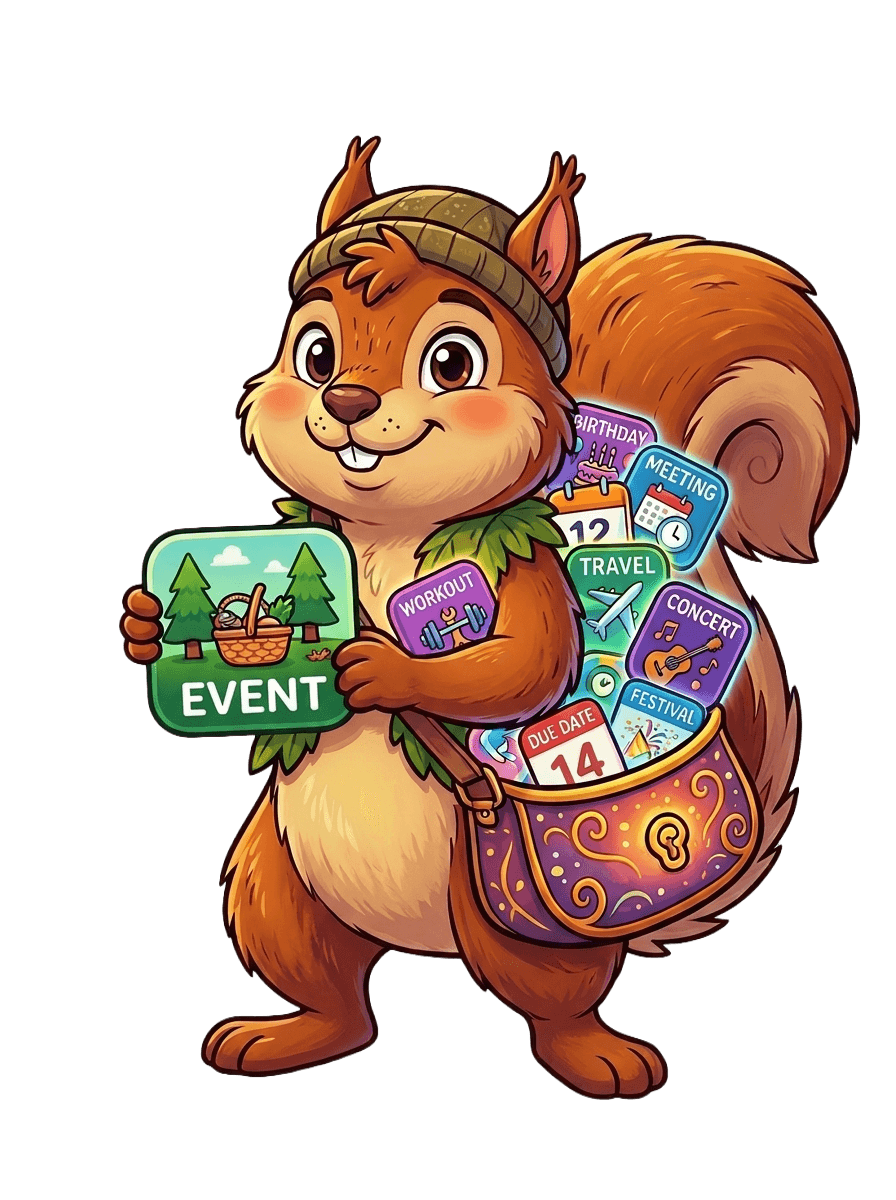
The events you want are out there.
I’ll find em for ya!
Point CalendarSquirrel at any website and it scurries off, using AI to gather its events into calendars you can subscribe to anywhere.
Works with Apple Calendar, Google Calendar, and Outlook.
Three steps
How CalendarSquirrel works
From a messy web page to a calendar event on your phone — without you lifting a finger after setup.
- 1
Point it at a website
Drop in any URL — a climbing gym, a tiny theater, your neighborhood association. No special calendar feed required.
- 2
The squirrel gathers events
CalendarSquirrel reads the page with AI and pulls out each event: title, date and time, place, and a link back to the source.
- 3
Subscribe in your calendar
Copy the feed URL into Apple Calendar, Google Calendar, or Outlook. New events show up on their own — no checking required.
Why CalendarSquirrel
Collect everything. Miss nothing.
Any website
Not just Eventbrite or Meetup. If a page lists events, the squirrel can gather them.
No duplicates
The same event found on two sites is merged into one tidy record — never listed twice.
A feed per collection
Group your sources however you like. Each collection becomes its own subscribable calendar.
Provenance you trust
See exactly where each event came from and when it was last seen on the source.
Set and forget
Add an optional schedule and the squirrel re-checks your sources on its own.
Open standards
Plain .ics feeds. No lock-in — they work with every calendar app you already use.
Ready to stop checking a dozen websites?
Set up your first collection in a couple of minutes. The squirrel takes it from there.